 Zasder
Zasder
Zasder

Find & Remove Your Biggest Videos
Free up gigabytes of storage in minutes. Sort your entire video library by size, spot the space hogs, and delete or compress them with a tap.
Free to try for 3 days · One-time $4.99 unlock · No subscription

Find your biggest videos, clear them out in bulk, keep the ones that matter, and shrink the rest.
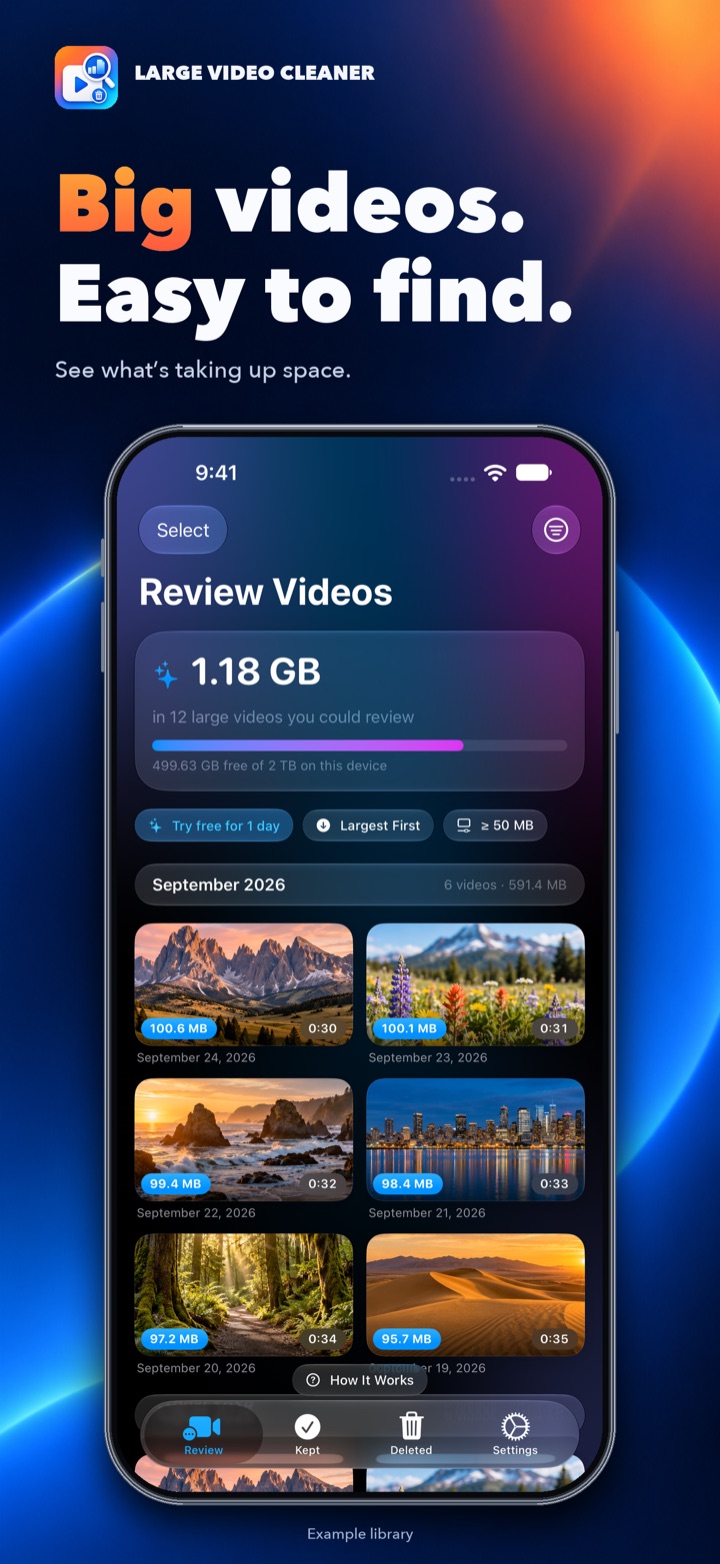
Find
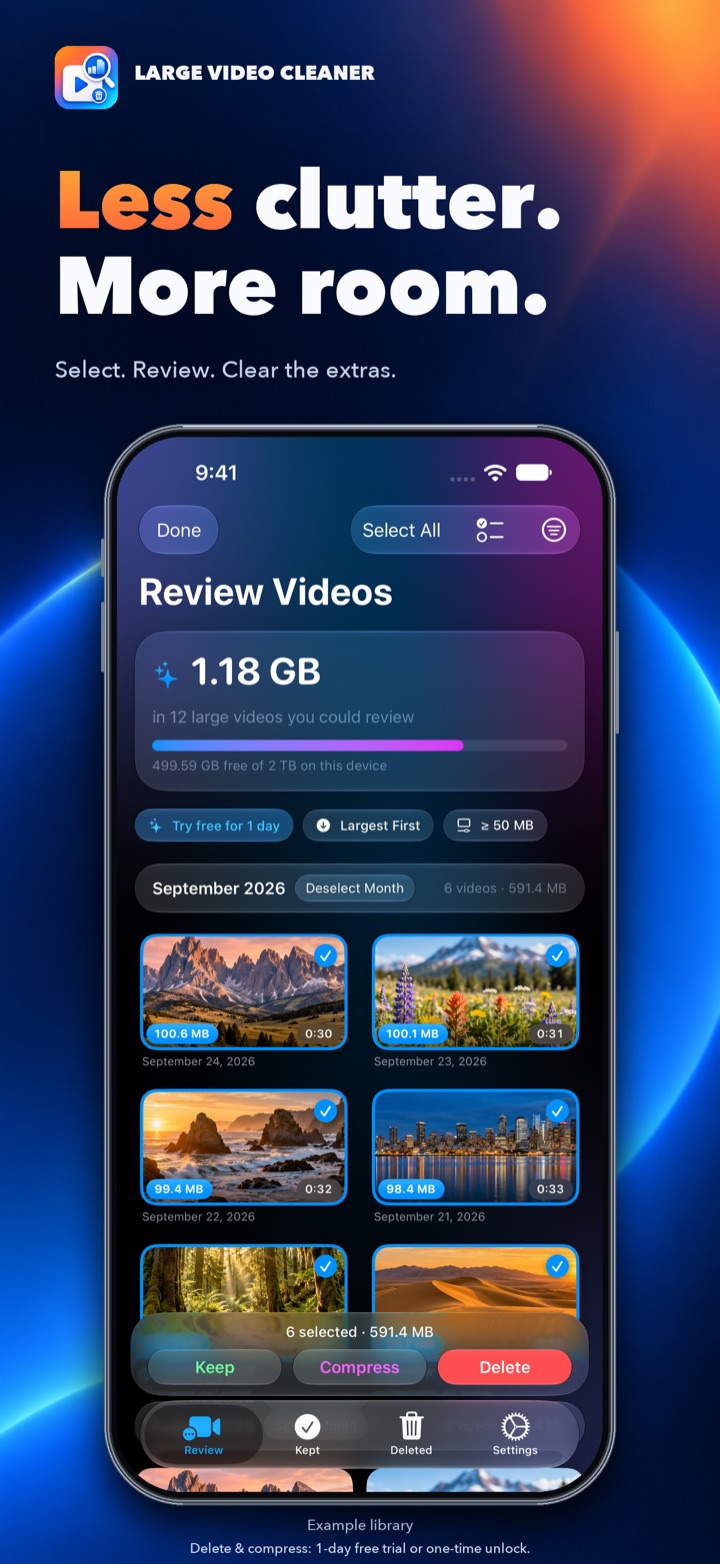
Clean Up
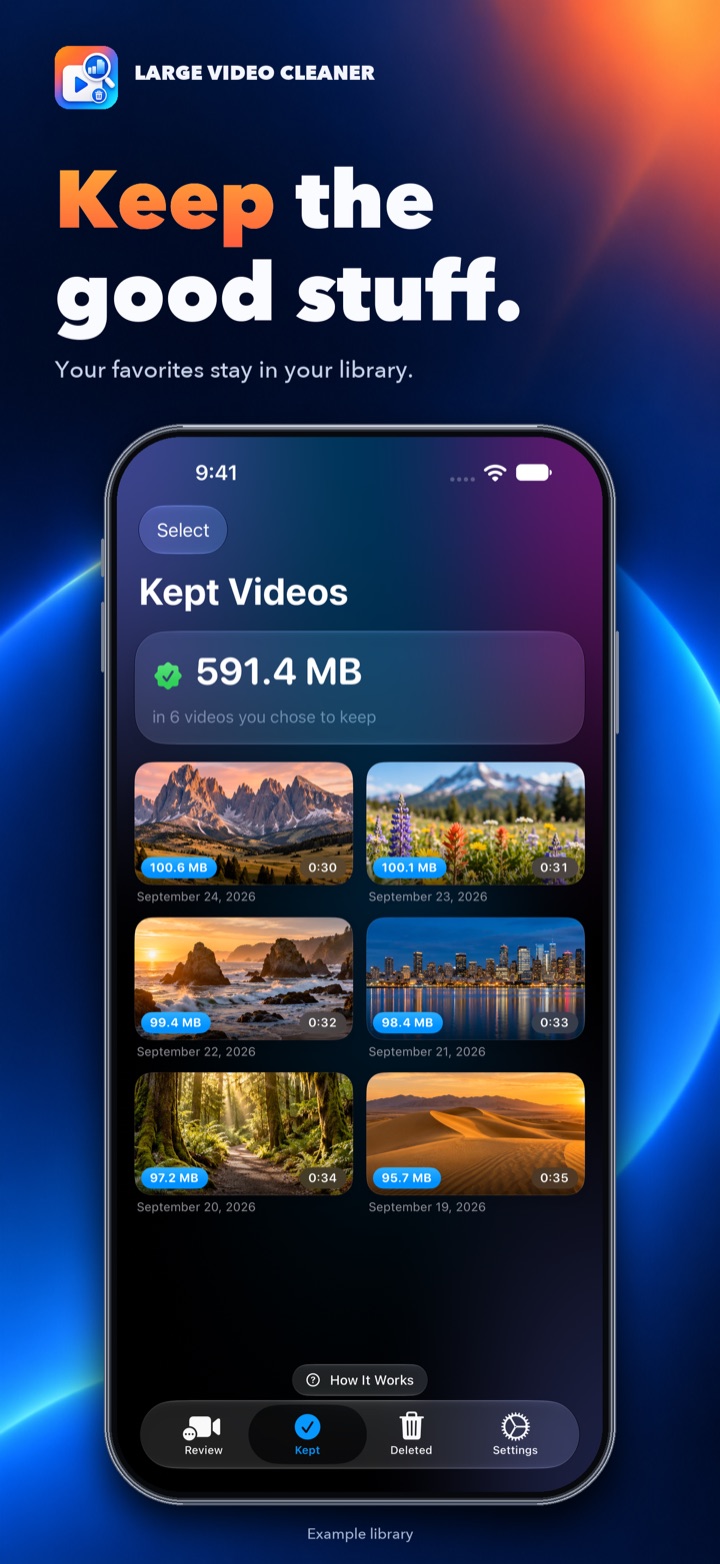
Keep
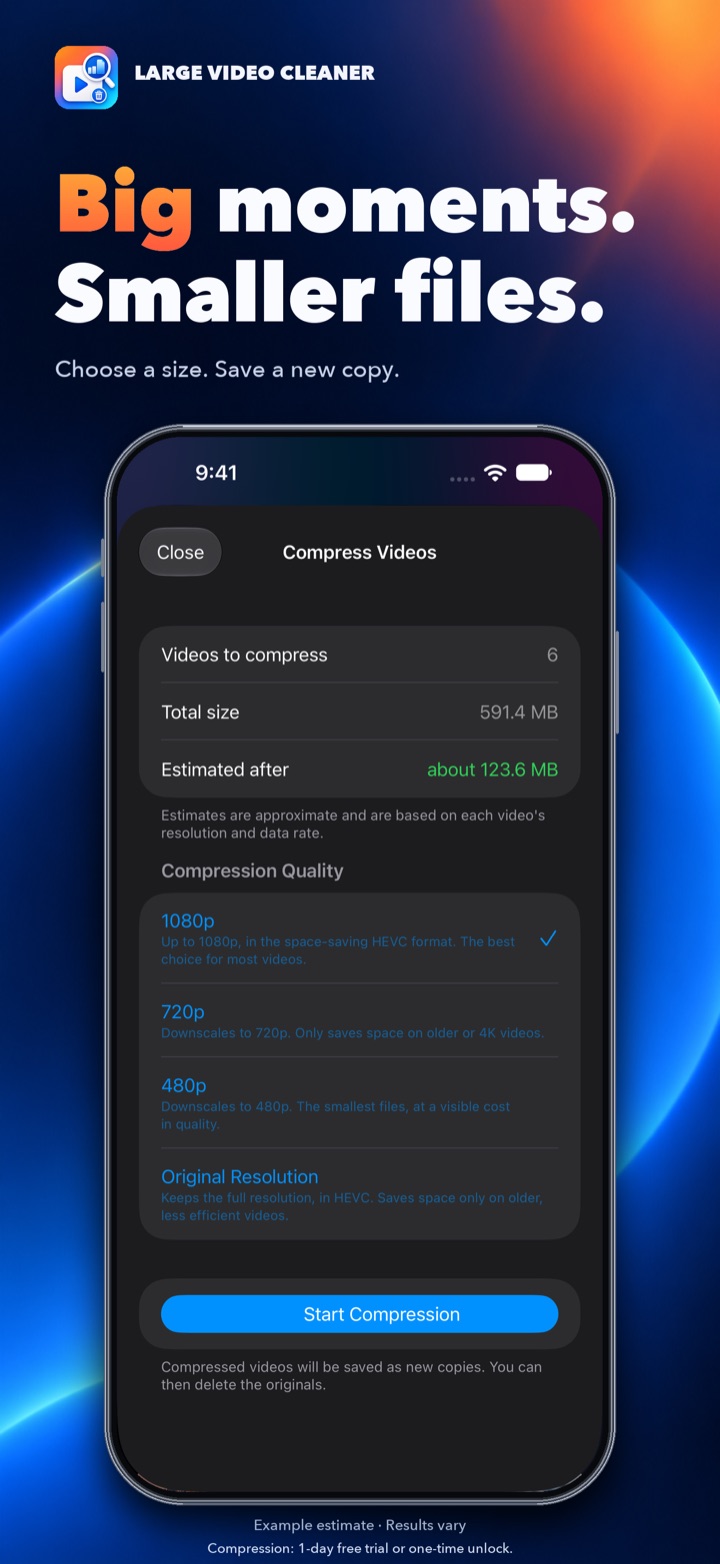
Compress
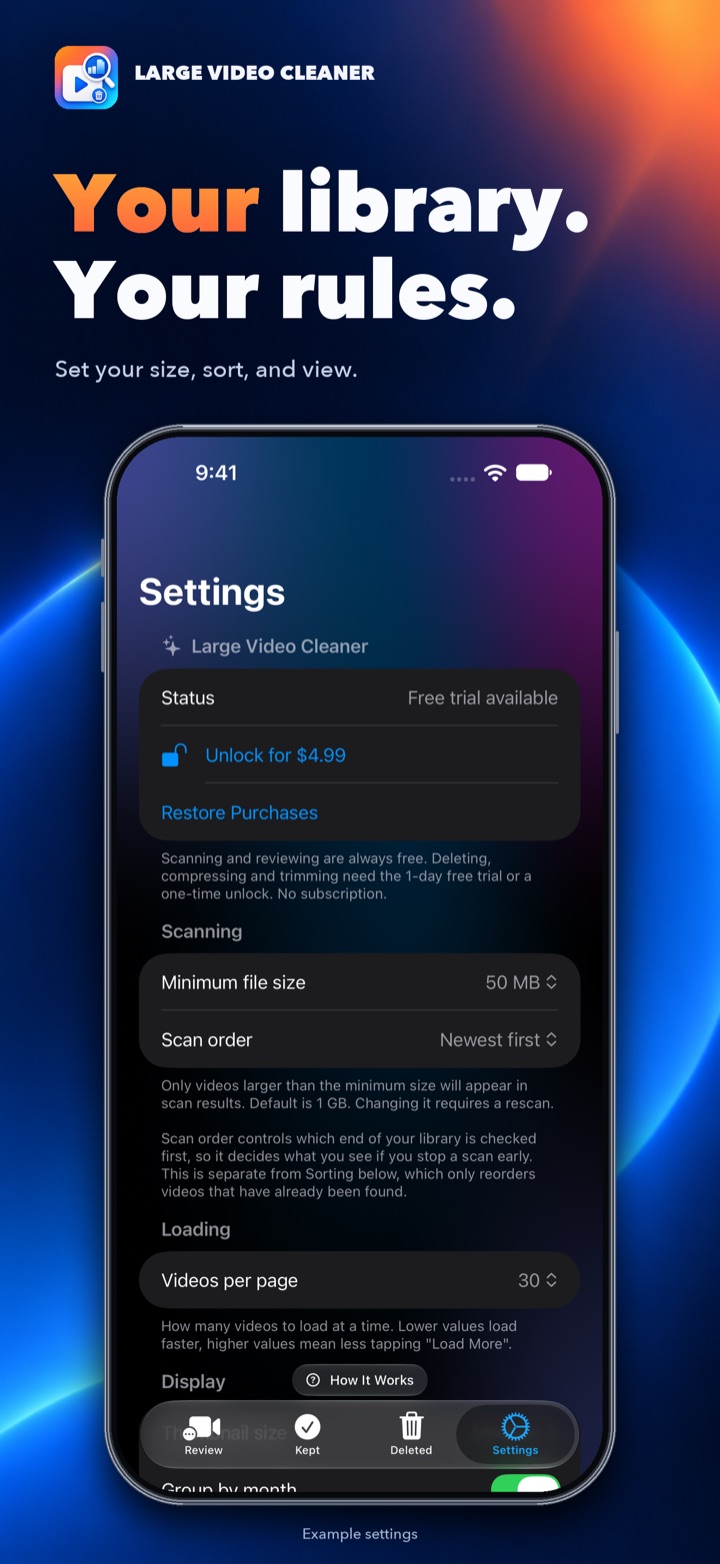
Settings
Videos are sorted by file size, with a storage summary, so you immediately see what's eating up your space.
Tap any video to preview it, then keep, trim, compress or delete it.
Select All, or everything over 1, 2 or 5 GB, then keep, compress or delete in one go, with a running total of the space involved.
Space-saving HEVC compression that keeps going in the background, estimates the result first, and tells you when a video won't shrink. The Worth Compressing filter finds the ones that will.
See which months are filling your storage, or sort by what arrived on your device most recently.
Detects whether videos contain people, to help you spot accidental pocket and blank-wall recordings.
Deleted videos go to Recently Deleted in Photos. You have 30 days to recover them.
Everything runs on your device. No accounts, no ads, no tracking, no data collection.
Download, scan your library, sort, preview, and mark videos to keep. No time limit.
Start a free 3-day trial whenever you're ready and use every feature: delete, compress and trim.
Pay once to keep deleting, compressing and trimming. No subscription, no ads. Shared with your family through Family Sharing.
Bought Large Video Cleaner before version 1.4? Everything stays unlocked for you, at no extra cost. Prices may vary by country.
Stop paying for iCloud storage you don't need. Find your biggest videos and clean them up in minutes. Try it free for 3 days.
Large Video Cleaner runs entirely on your device. We never see your photos, your videos, or anything else.