 Zasder
Zasder
Zasder
Your weather station, your data, your app.
A self-hosted dashboard for your own backyard station, on iPhone, iPad, Apple Watch, and Mac. Pull from AmbientWeather, Davis WeatherLink, WeatherFlow Tempest, an Ecowitt gateway, WeeWX, or direct 433/915 MHz radio capture, all into a backend you own. Built after MyAcurite was shut down, so your data never depends on a vendor's whims again.
Step 1: get the app · Step 2: it builds your backend for you, or run the setup script yourself if you'd rather
One dense dashboard on iPhone, a two column window on Mac and iPad, and the readings that matter on your wrist.
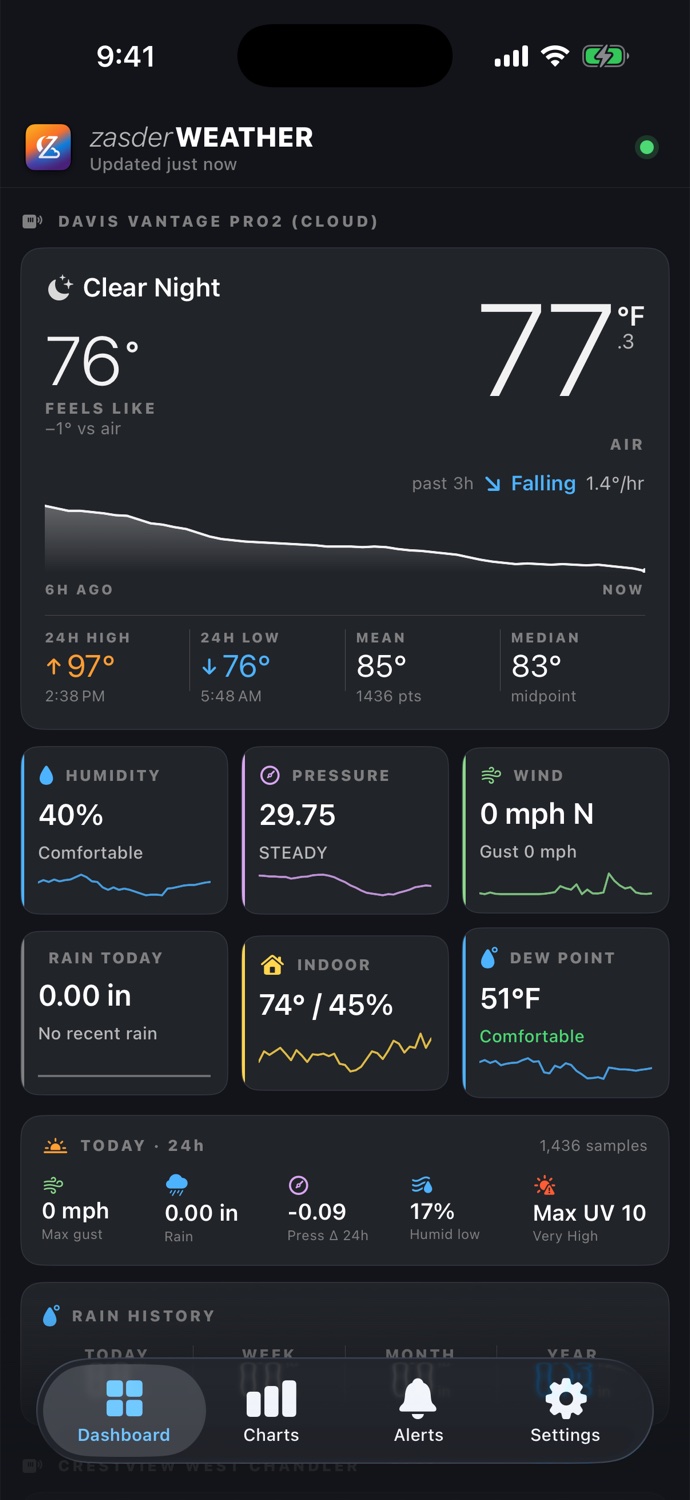
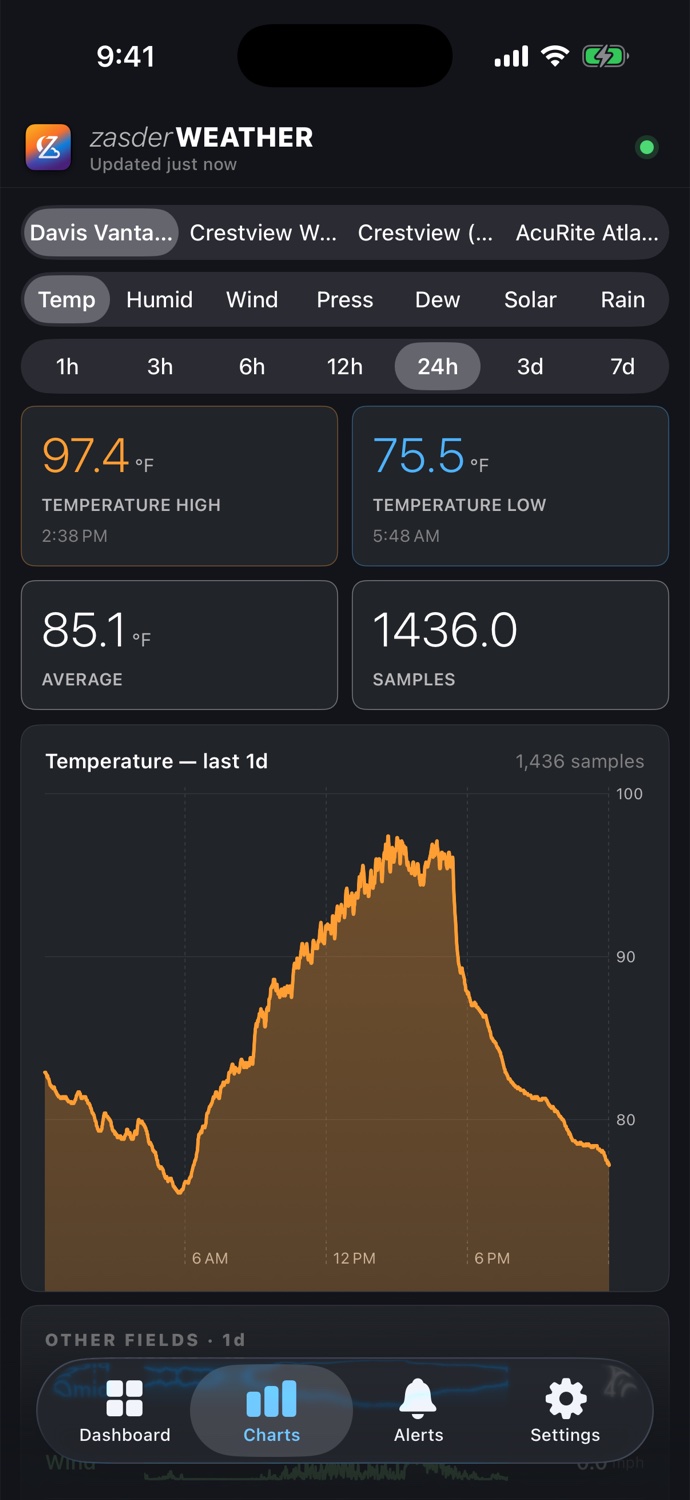
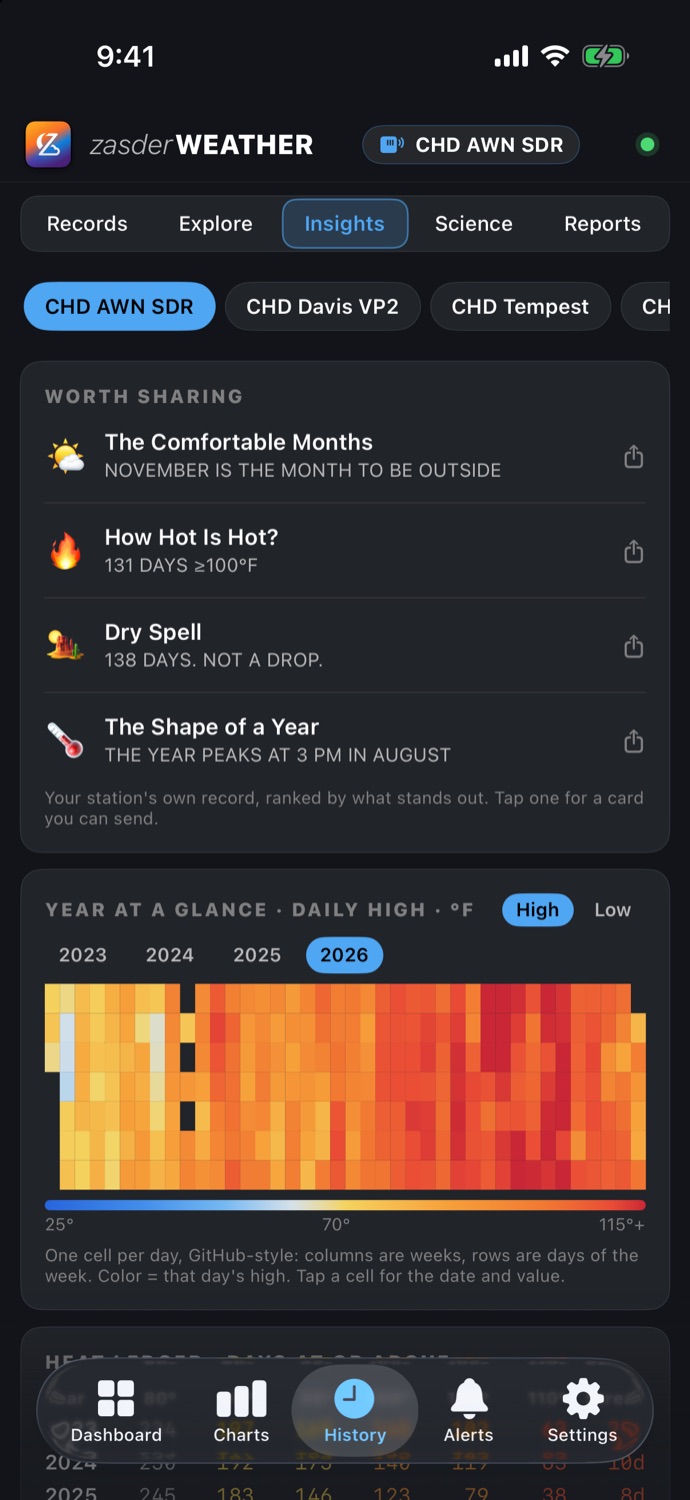
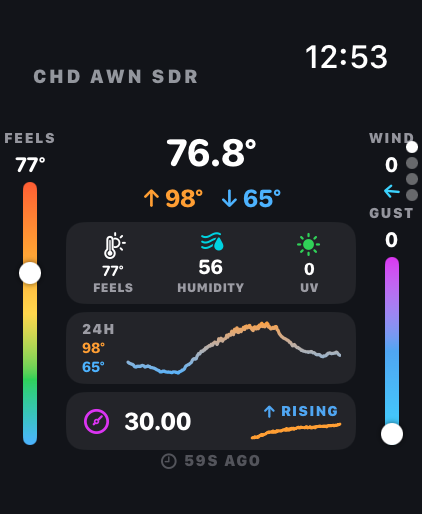
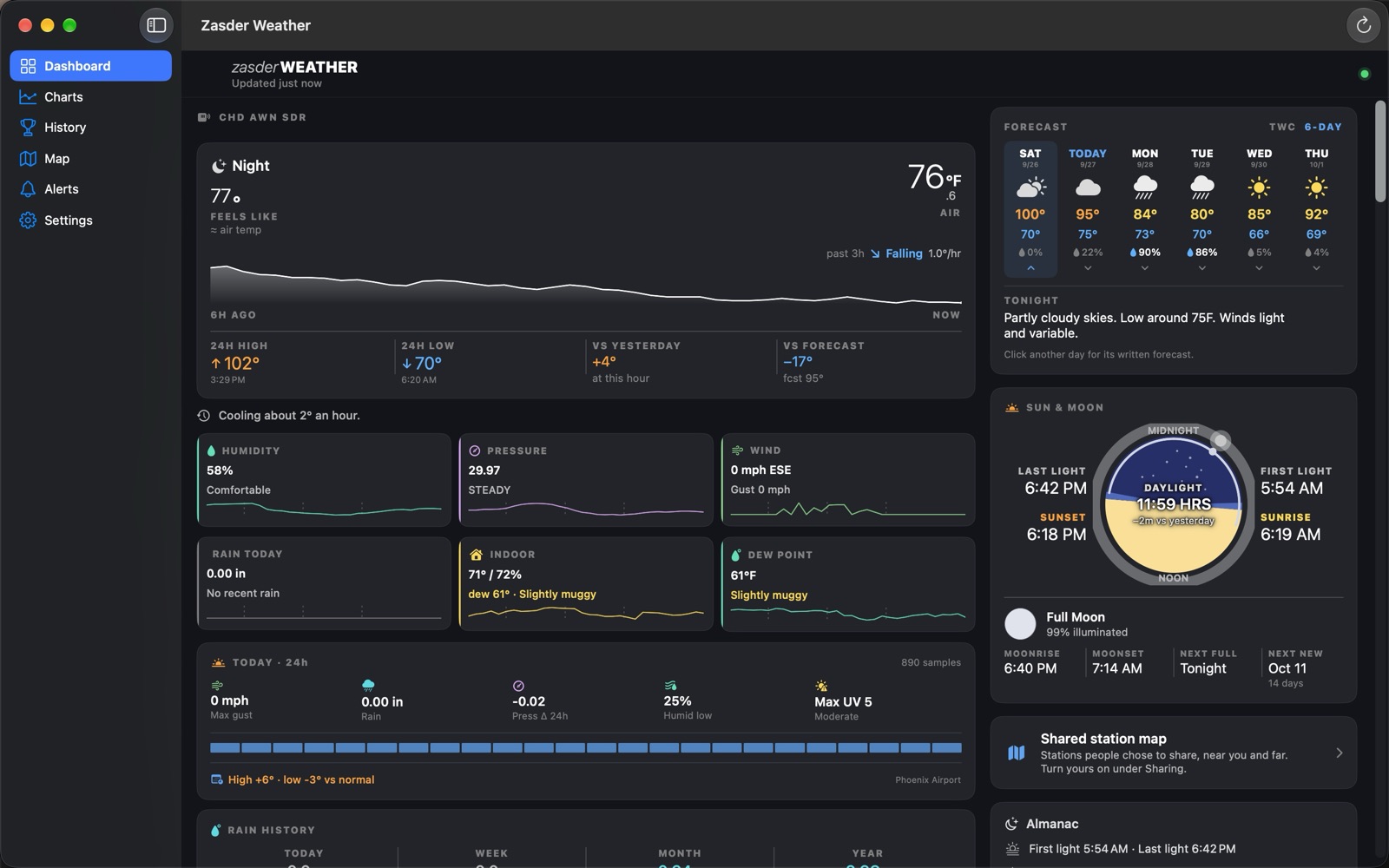
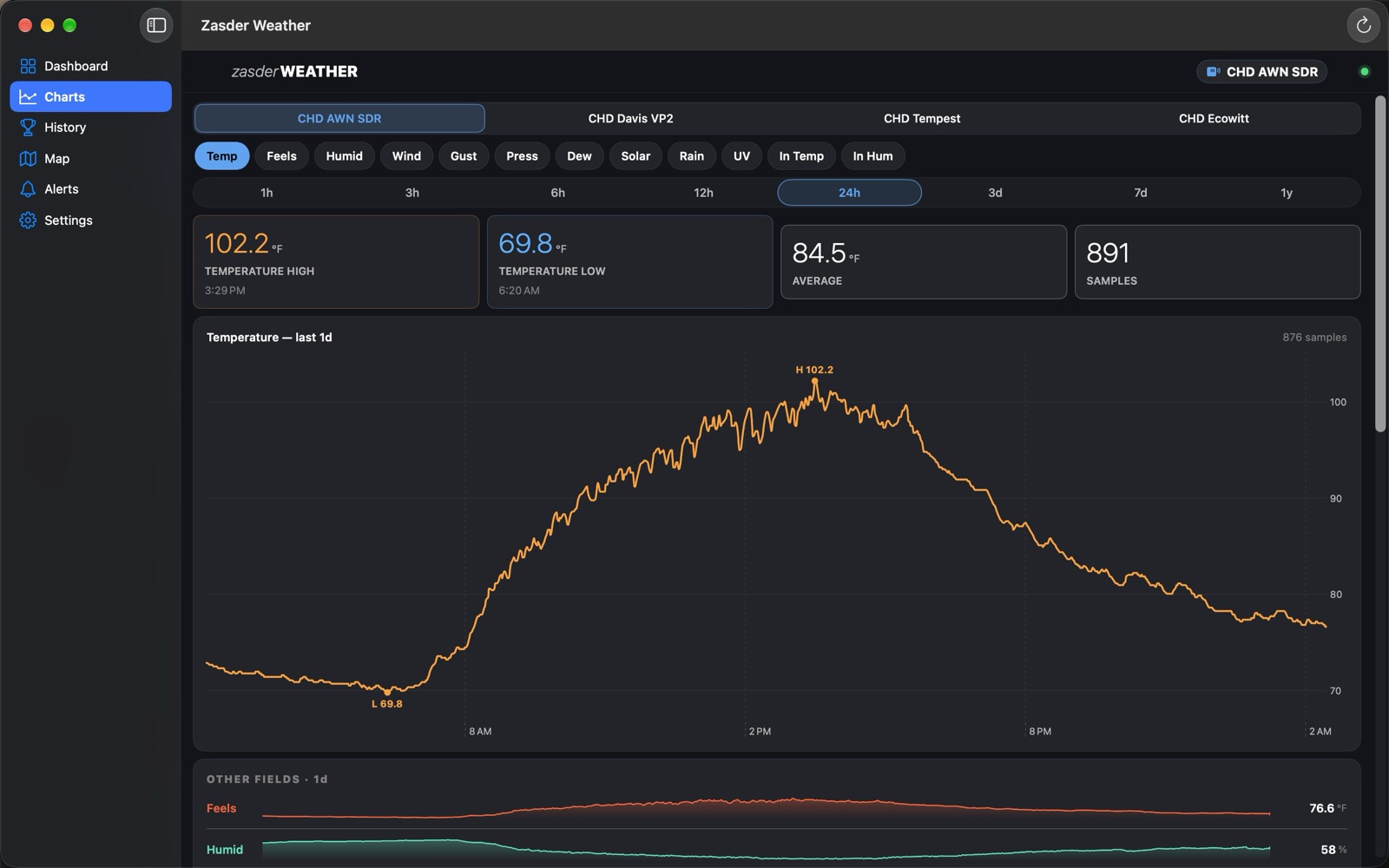
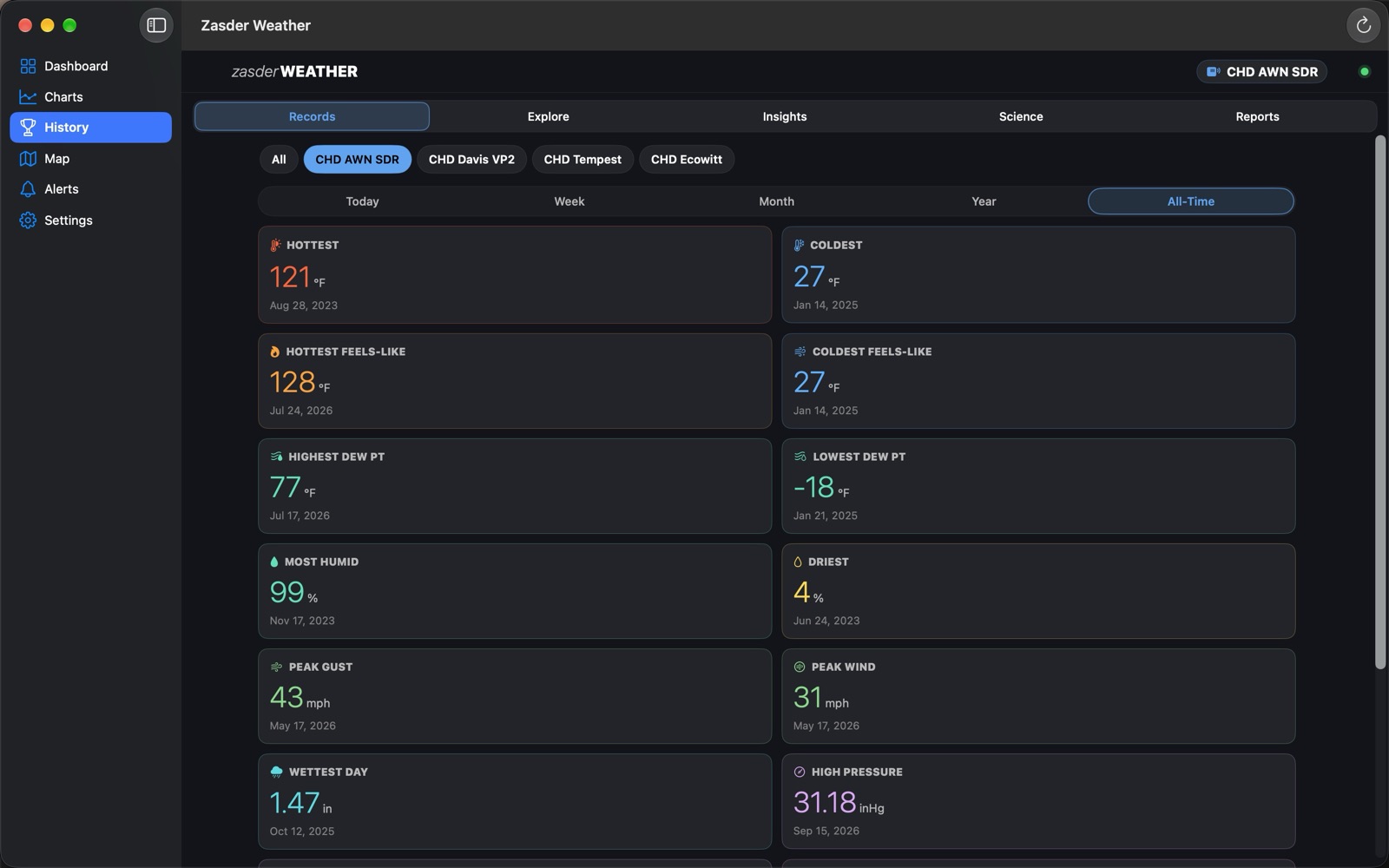
Zasder Weather is the app half of an open-source, self-hosted stack. You run a small backend; the app reads from it. No middleman cloud, no subscription.
The iPhone and Mac apps can create the whole server for you. Make a free Fly.io account, paste one token, and it deploys the backend, waits for it to come up healthy, and connects itself. About $2/month, no terminal. The setup guide walks it through.
A setup script deploys the same backend to Fly.io from a shell, and another one runs it at home with Docker. Both are fully supported. The script prints a one-line code you paste into Settings, Quick setup, and the setup planner generates the exact steps for your hardware.
Your readings flow into a database you control. Add stations, mix sources, keep history as long as you like. Nothing is sent to us.
AmbientWeather, Davis WeatherLink, WeatherFlow Tempest and Ecowitt from their clouds, an Ecowitt gateway posting straight to your server, a WeatherLink Live read on your own network, and a WeeWX bridge that brings 70+ more station families. Run one source or all of them.
Skip the vendor cloud entirely. A low-cost LilyGO board decodes AcuRite Atlas, Fine Offset, Ecowitt and Ambient sensors off the air, and you can flash it from your browser with no command line.
AirGradient and Govee air monitors with CO2 and PM2.5, soil probes on up to eight channels, extra temperature and humidity sensors on channels 1 to 4, and Ecowitt leak detectors.
Several receivers for one sensor? The backend merges the freshest reading per field, calibrates each sensor with an offset or scale in your units, and rejects impossible readings with a 30 day sensor check.
Live conditions, a 24 hour curve, today's highlights ranked against your own record, a next few hours line, the moments the weather changed, and an hour by hour health strip for each source. Reorder or hide any card.
A forecast for the days ahead with its written narrative, a scorecard of how right it has been at your station, and a YARD correction where it keeps missing.
Charts for every field from an hour to a year, a wind rose, station compare and nearby stations. Explore any past day, all-time records in under a second, insights, a year heatmap and a page of derived science readings.
Daily, weekly, monthly and yearly totals in your own time zone, storm summaries when the rain ends, and a daily watering call for your irrigation.
Rules on any reading, checked by your server and sent by push and email even when the app is closed, with quiet hours, a morning report and an evening outlook.
Turn on Weather watches and your server looks out for lightning nearby (with an all clear), frost, heat, a fast pressure drop, the season's first frost, low batteries and a sensor gone quiet. Leak detectors alert on their own.
National Weather Service alerts one family at a time: keep tornadoes, mute floods. A warning sounds different from a watch.
Live Activities for rain, storms, lightning, wind, freeze nights and heat days, an Apple Watch app with complications, Home Screen widgets for any station, Siri and Spotlight.
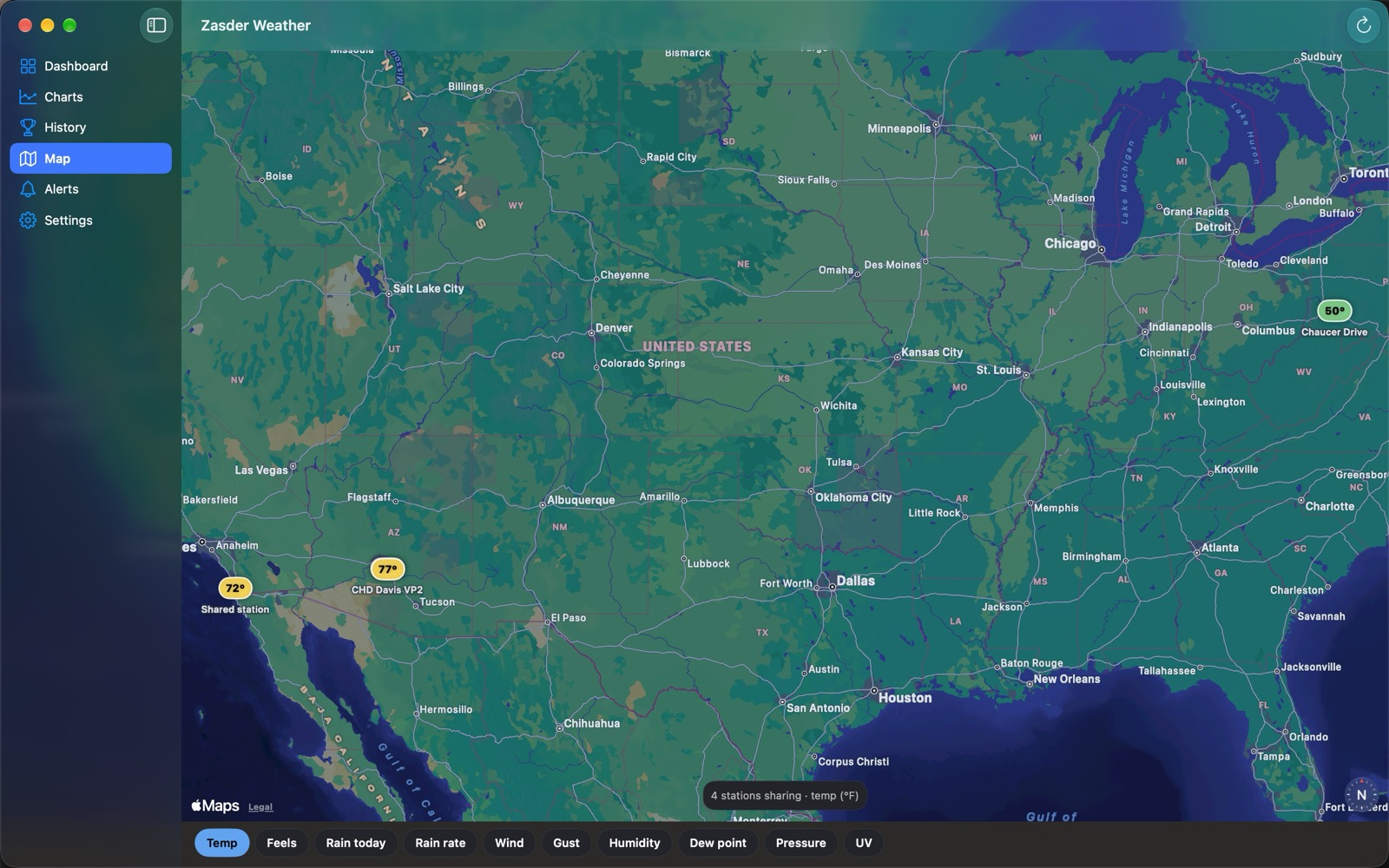
Flip on Share on the map and your server puts your station on one shared map: outdoor conditions and a rounded location (about half a kilometre by default, or your town's centre, or a spot you choose), plus its time zone and server version. Off by default. What leaves your server, exactly.
Read only links for family with one tap setup. Send your readings to Weather Underground, PWSweather, Windy, Weathercloud, CWOP, Met Office WOW, AWEKAS and OpenWeatherMap.
Import years of readings from Weather Underground, a WeeWX database or any CSV, export everything to CSV, and back up the server's database from the app.
The app is free on iPhone, iPad, Apple Watch and Mac, and nothing is paywalled. An optional tip jar adds a cosmetic supporter badge, and that's all.
The backend is open source. There's no account to create with us, no telemetry, and no lock-in. If you ever stop using the app, your data and your server are still entirely yours.
Get the app and let it build your backend, or run the setup script yourself. Either way it's minutes, and the server is yours.
Zasder Weather talks only to the backend you deploy. We don't host it, we don't see your observations, and there's no analytics or tracking. The one optional exception: if you turn on background push, your alert notifications (title and body only, never your readings) briefly pass through our App-Attest-gated relay so they arrive when the app is closed. Full details on the privacy page.
